MP3 to WAV, free and private
Convert MP3 files to WAV in your browser, one song or a whole folder. Pick the quality, cut the start and end, add a fade in or fade out. Nothing is uploaded.
or drop files or a folder here, or paste
How to convert MP3 to WAV
- Choose audio files, a folder, or drop them on the page. Video files work too.
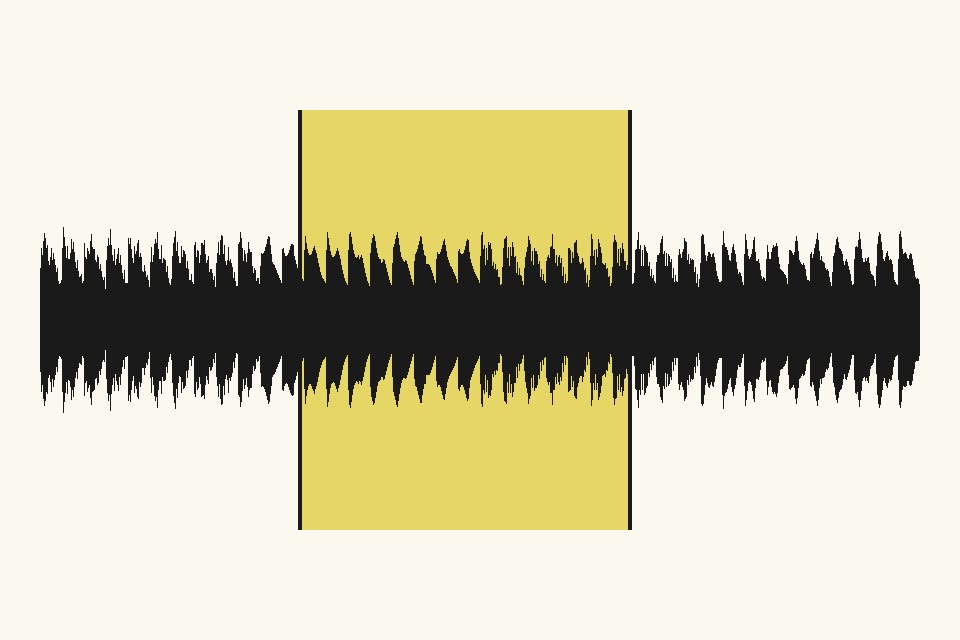
- Pick the format and quality. To cut, drag the handles on the waveform; add a fade in or out if you like.
- Listen to the result, then save each file or all of them as a ZIP.
Convert M4A, WAV, FLAC and OGG to MP3, and MP3 to WAV
Turn iPhone voice memos (M4A) into MP3, shrink big WAV recordings, play FLAC on any device, or make a WAV from an MP3 for editing. Many files at once, saved one by one or as a ZIP.
Audio cutter and MP3 trimmer with fade in and fade out
Keep only the part you need, from a ringtone length clip to a full interview, with a smooth fade at the start and end. M4A and OGG without fades are cut without re-encoding.
Does converting MP3 to WAV lose quality: Questions
How do I convert MP3 to WAV?
Choose or drop your MP3 files, check the WAV settings, and each file is converted on your device in a second or two. Then save them one by one, as a ZIP, or into a folder.
Will the picture lose quality?
WAV is a compressed format. At the default quality the difference cannot be seen, and you can compare before and after with the slider. Raise the quality for prints, lower it for smaller files.
Can I do hundreds of files at once?
Yes. Drop a whole folder or select as many files as you like. They are processed a few at a time on all your processor cores, with progress for every file. You can pause, stop, retry, and save as a ZIP or straight into a folder.
Are my photos uploaded anywhere?
No. FotoJock runs entirely in your browser: the files are read, converted and saved on your own phone or computer. Nothing is sent to a server, and it keeps working offline once the page is open.
Is it really free?
Yes, with no account, no watermark and no limit on the number of files. FotoJock is made by Foto Jocković, a photo shop in Belgrade.
All tools
Mini-apps
Free photo toys by Foto Jocković, each on its own page.
 VHS CameraVideo and photos with a real camcorder look
 Photo PuzzlePlay it, print it or laser-cut it
 On Your WallPreview a framed print on your wall
 Sticker MakerDie-cut stickers and sticker sheets
 Lithophane MakerA 3D-printable photo light box
 Star Map PosterThe night sky of your date and place
 City Map PosterThe streets of your place, as a print
 Film LabPick a film stock and shoot a 35 mm roll