Make black and white photo, free converter
Make black and white photos the way photographers do: a classic mix, a soft or high-contrast print, a red-filter look with dark skies, or noir. Full resolution, in bulk, nothing uploaded.
or drop files or a folder here, or paste
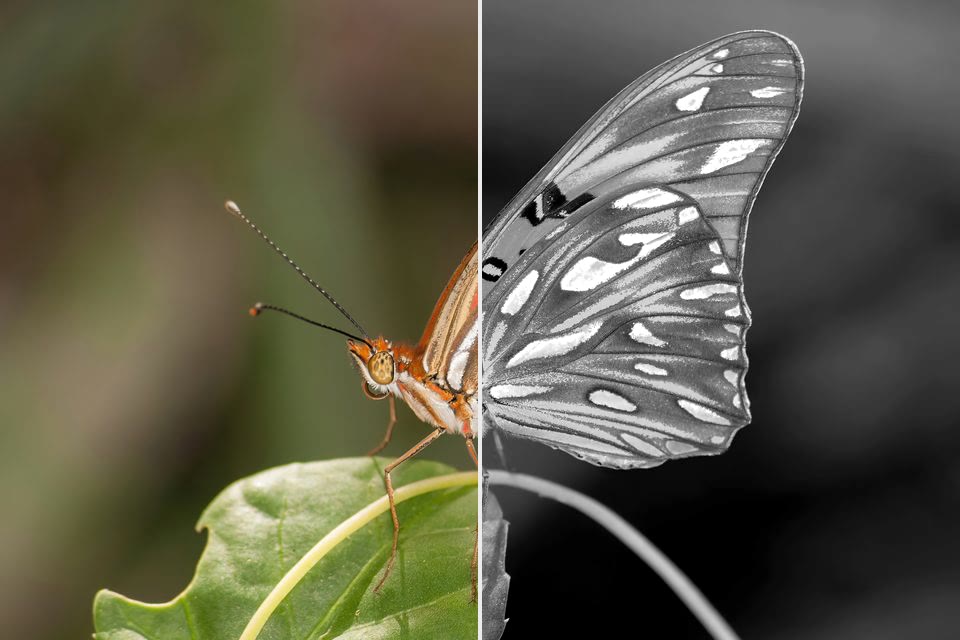
How to make a photo black and white
- Choose photos, a whole folder, or drop them on the page.
- Pick a look and set the strength; the preview shows before and after.
- Save each photo, or all of them as a ZIP.
Black and white, sepia and vintage photo filters
Classic, soft and high-contrast black and white, a red-filter look, noir, sepia and duotone sit next to colour looks such as film, vintage, warm, golden, teal and orange, matte and moody.
Filter many photos at once, at full resolution
Drop a whole folder: every photo gets the same look and strength and is saved at full size with its EXIF data, one by one or as a ZIP.
Black and white filter: Questions
How do I make a photo black and white?
Choose the photo and pick a style: Classic is a balanced mix, Soft keeps gentle contrast, High contrast gives deep blacks, Red filter darkens blue skies and smooths skin, Noir is dark and dramatic. Lower the strength to keep a little colour.
Can I make the filter weaker?
Yes. The strength slider mixes the look with the original, from 0 % (unchanged) to 100 % (the full look), and the preview follows right away.
Is the photo saved at full quality?
Yes. The effect runs on the full-resolution pixels and the photo is saved at high quality (JPG 90 by default, or PNG / WebP). The date, camera data and colour profile are kept, and the photo is turned the right way up.
Can I do hundreds of files at once?
Yes. Drop a whole folder or select as many files as you like. They are processed a few at a time on all your processor cores, with progress for every file. You can pause, stop, retry, and save as a ZIP or straight into a folder.
Are my photos uploaded anywhere?
No. FotoJock runs entirely in your browser: the files are read, converted and saved on your own phone or computer. Nothing is sent to a server, and it keeps working offline once the page is open.
Is it really free?
Yes, with no account, no watermark and no limit on the number of files. FotoJock is made by Foto Jocković, a photo shop in Belgrade.
All tools
Mini-apps
Free photo toys by Foto Jocković, each on its own page.
 VHS CameraVideo and photos with a real camcorder look
 Photo PuzzlePlay it, print it or laser-cut it
 On Your WallPreview a framed print on your wall
 Sticker MakerDie-cut stickers and sticker sheets
 Lithophane MakerA 3D-printable photo light box
 Star Map PosterThe night sky of your date and place
 City Map PosterThe streets of your place, as a print
 Film LabPick a film stock and shoot a 35 mm roll